
Image to Image Examples
Compare each source with its transformed result and recorded prompt. Check the model used, the overall visual change and the details that carried through from the reference.
Restyle a Photo
Begin with a photograph whose subject is easy to identify. Ask for a watercolor interpretation with soft pigment edges, visible paper texture and a restrained palette. State which composition or silhouette should remain recognizable. This gives image to image AI a visual anchor while allowing the rendering style to change across the image.
Compare the output with the reference for both subject and treatment. Did the main form survive? Does the image read as watercolor, or did it only become less saturated? Look at texture, edge handling and color transitions. If the scene becomes too different, reduce the transformation and make the subject’s defining features explicit.
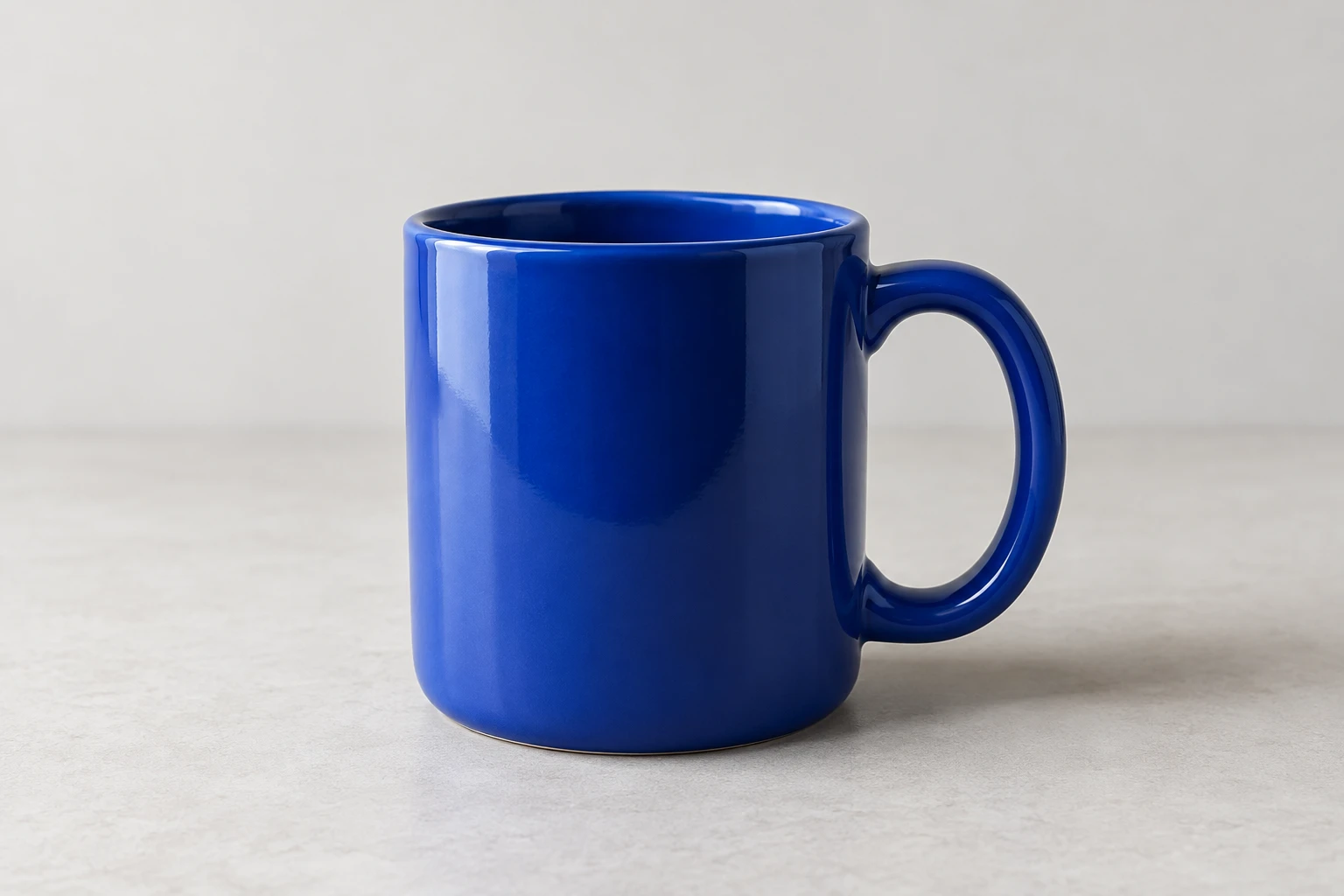
Source image
Generated result
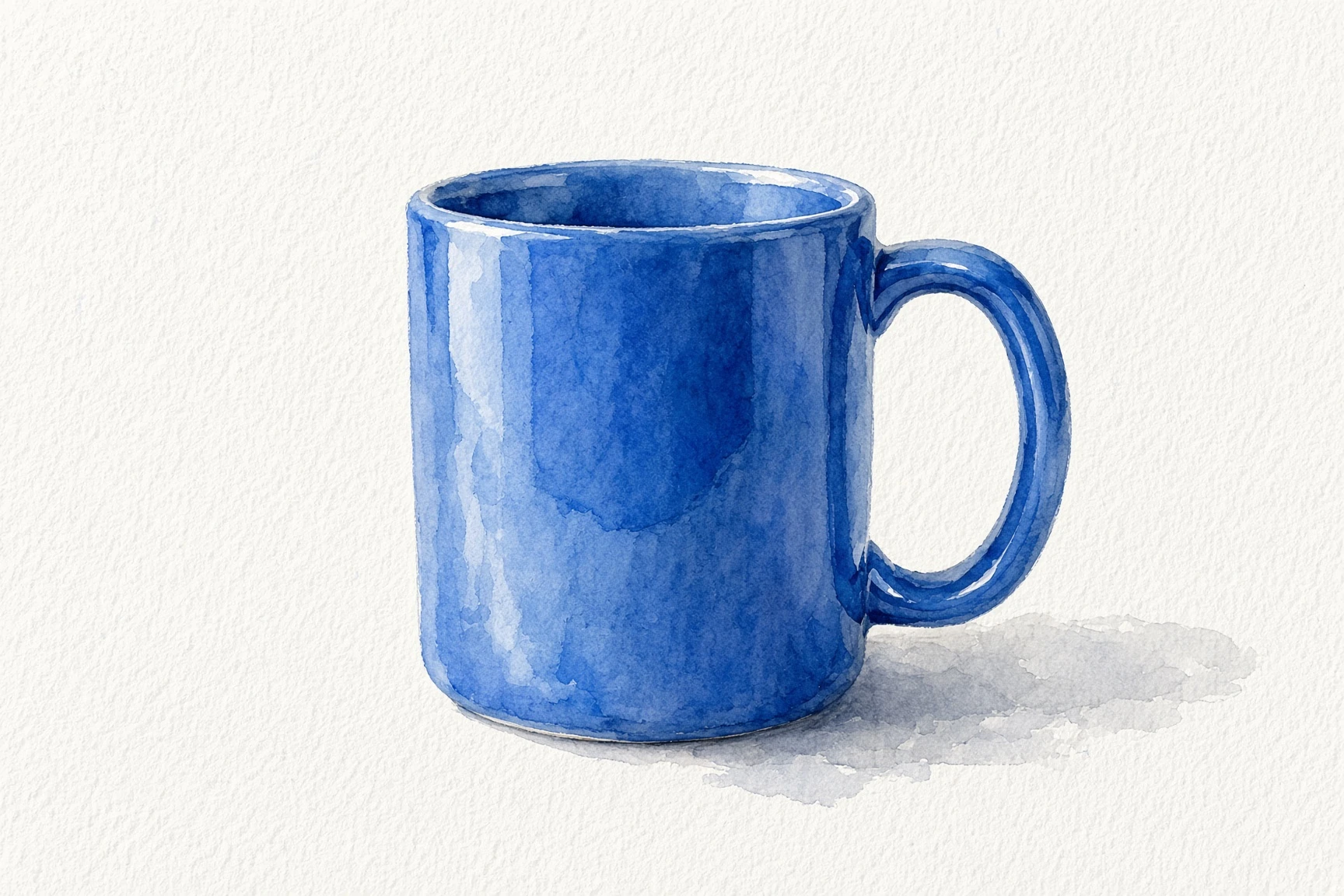
Grok Imagine · 2026-10-30 · The result changes glossy ceramic photography into watercolor washes and paper texture. The rounded handle remains recognizable, while reflections and edge details are repainted.
Transform this photo of a blue ceramic mug into a loose watercolor painting on textured white paper. Keep one blue mug and its rounded handle recognizable, with soft blue pigment washes and a light gray painted shadow. No text or extra objects.
Create a New Product Scene
The product scene example starts with the blue mug and requests warm stone beside a sunlit garden. Compare the handle and silhouette with the source, then inspect the regenerated shadows, foliage and reflections. The environment is newly generated rather than a precise background cutout.
Review the product and its new surroundings separately. Image to image AI may create a coherent atmosphere while changing the object’s proportions or material. Check contact shadows, perspective and reflections so that the scene feels plausible. A different environment often needs different lighting, even when the subject should remain recognizable.
Source image
Generated result
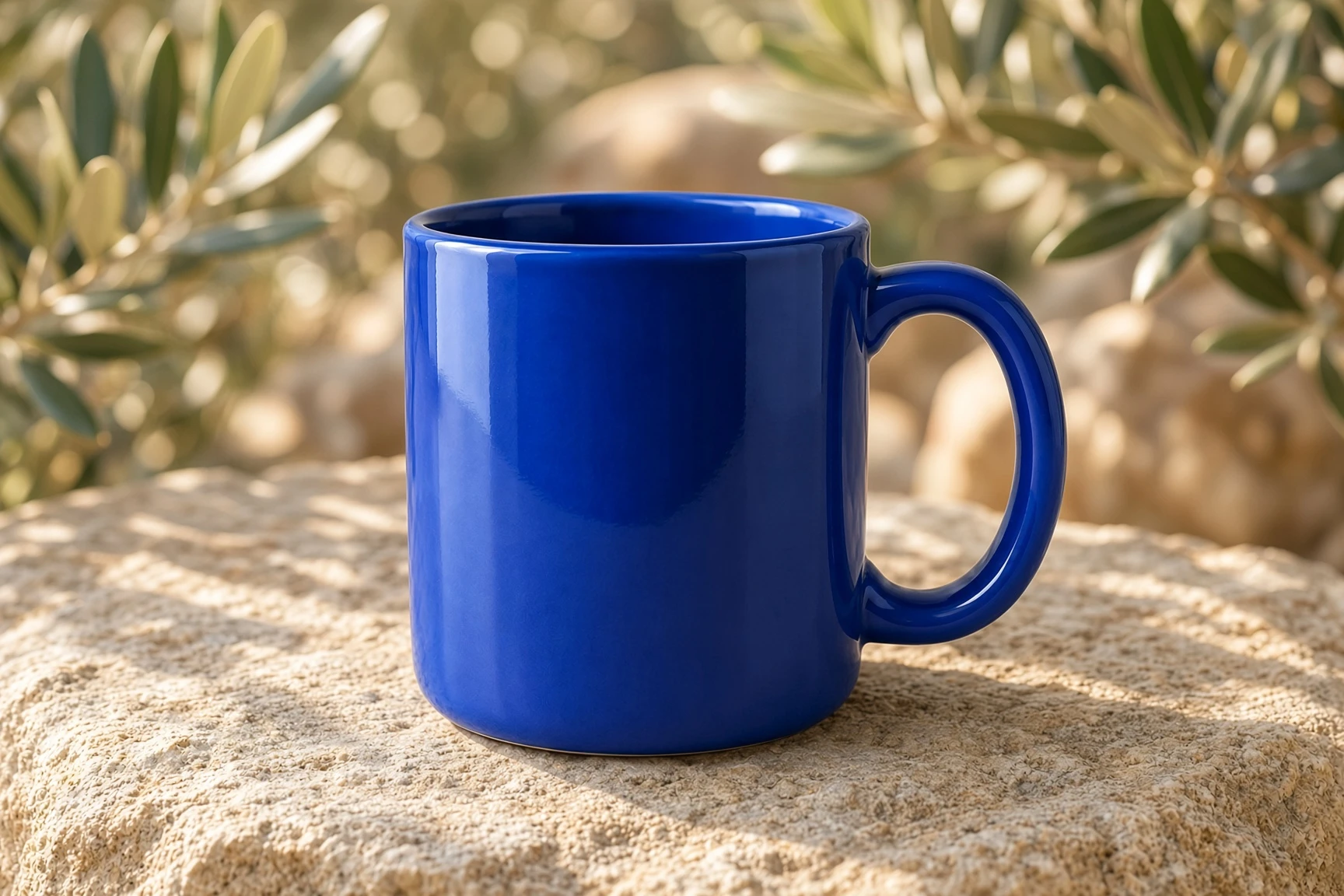
Grok Imagine · 2026-10-30 · The blue mug appears on sunlit stone with olive foliage behind it. The environment, shadows and surface reflections are regenerated; this is a new scene rather than a precise cutout.
Create a new product photograph based on this blue ceramic mug. Place the mug on warm natural stone beside a sunlit Mediterranean garden, with softly blurred olive leaves in the background. Preserve the blue mug, rounded handle and overall silhouette. No logos or text.